Email Enrichment is here. Find verified emails for your LinkedIn contacts, charged only when we find one.
Learn more →












LinkedIn Lead Engine. Smarter Outreach Workflows
Design LinkedIn outreach workflows that adapt to every prospect. Branching logic, AI lead scoring, and 15 channel actions, all running automatically from one visual canvas.
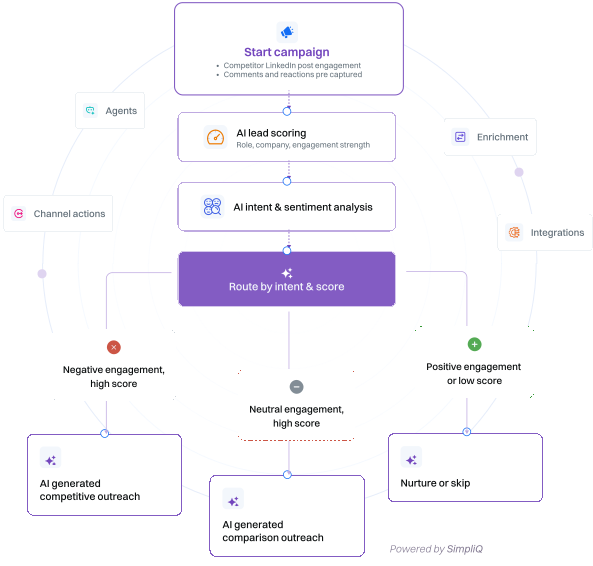
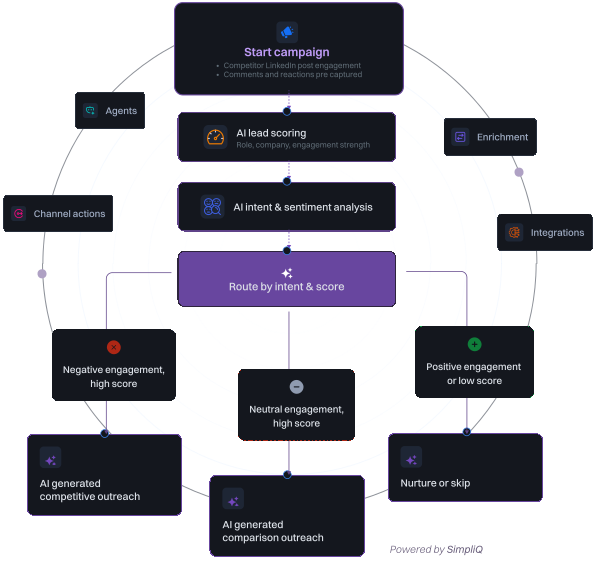
Sequences are too rigid for modern outbound.
Most outbound tools rely on fixed sequences. They assume every lead should receive the same steps in the same order, regardless of intent, engagement, or replies. Real campaigns are dynamic. They branch, adapt, wait, respond, and change direction. The LinkedIn Lead Engine replaces static sequences with flexible campaign workflows that react to real signals.
Campaign workflows that think and adapt.

Visual workflow builder
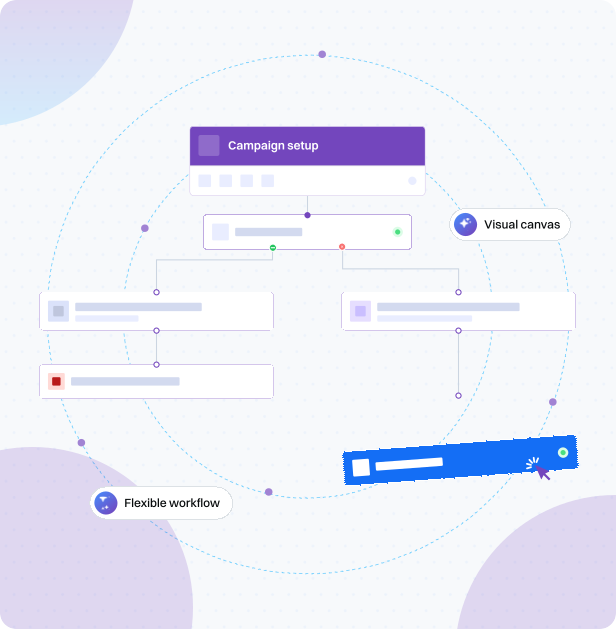
Design campaign flows with branching logic, conditions, waits, and routing. Build simple sequences or complex multi-path funnels from one canvas.

Intent driven paths
Capture engagement from LinkedIn posts and analyse sentiment using AI. Route positive, neutral, and negative signals into separate campaign paths automatically.

AI powered automation
Use AI agents to score leads, analyse replies, enrich profiles, and generate personalised follow-ups automatically inside your workflows.

Multi channel execution
Trigger LinkedIn actions, emails, CRM updates, and webhooks from a single campaign workflow without switching between tools.
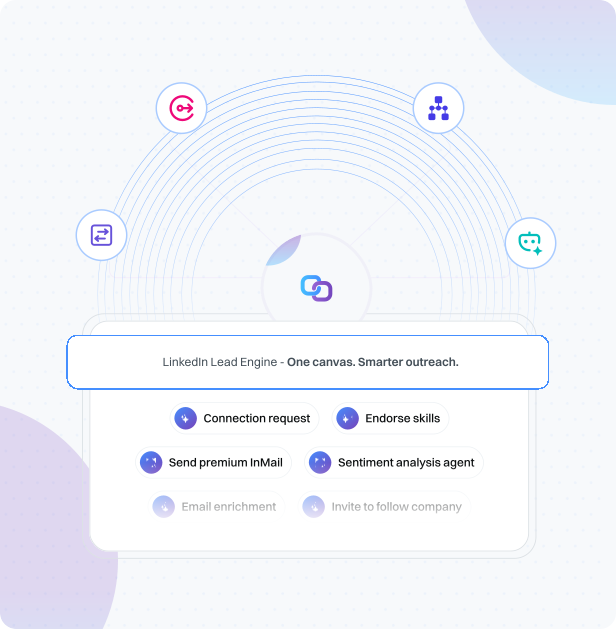
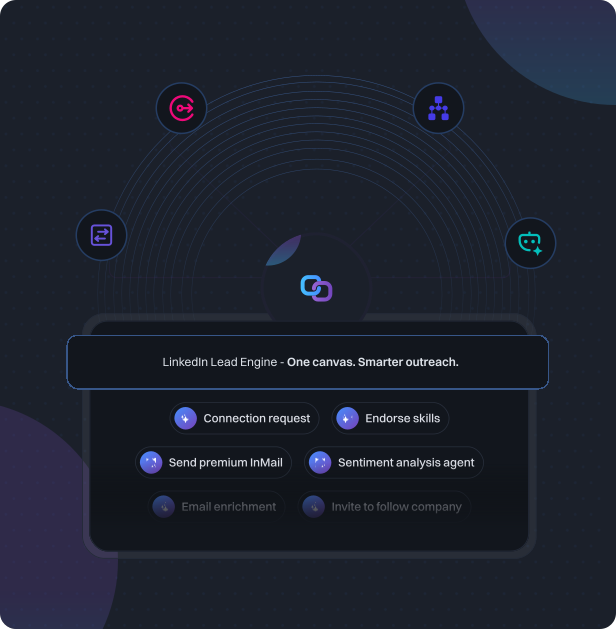
Every action you need, connected in one workflow.
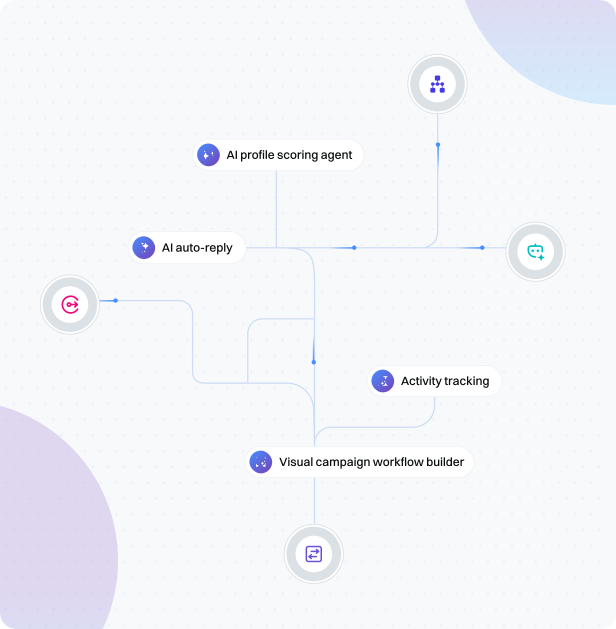
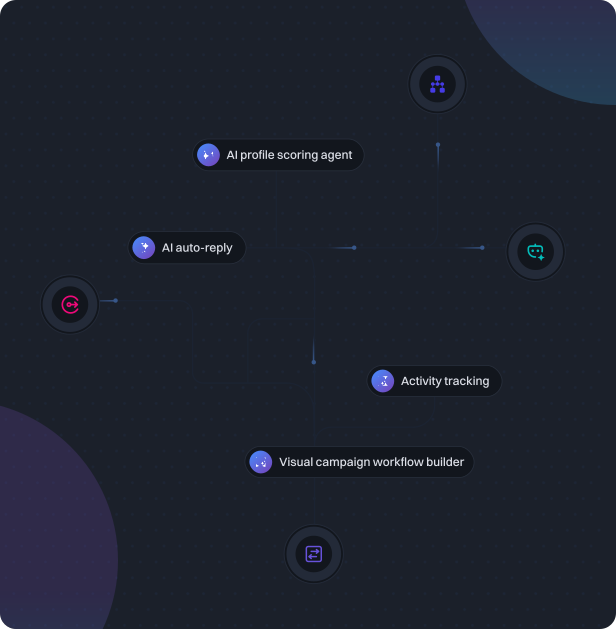
The Lead Engine gives you four categories of nodes to build with. Orchestration nodes control the flow by adding conditions that branch based on connection status, reply behaviour, email engagement, or lead score, and set delays between steps. Channel action nodes cover 15 LinkedIn actions including connection requests, messages, InMail, profile visits, post likes, skill endorsements, and event invitations, plus email sequences and CRM integrations. AI agent nodes handle the intelligent work. The profile scoring agent evaluates each contact against your ICP and returns a score from 0 to 100, while the sentiment analysis agent reads post engagement and routes contacts into positive, neutral, and negative paths. Put them together and every contact follows the right path based on what they actually do.
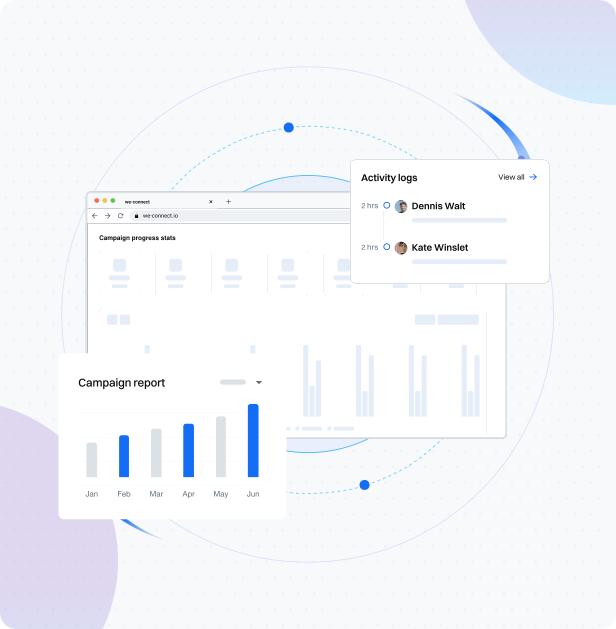
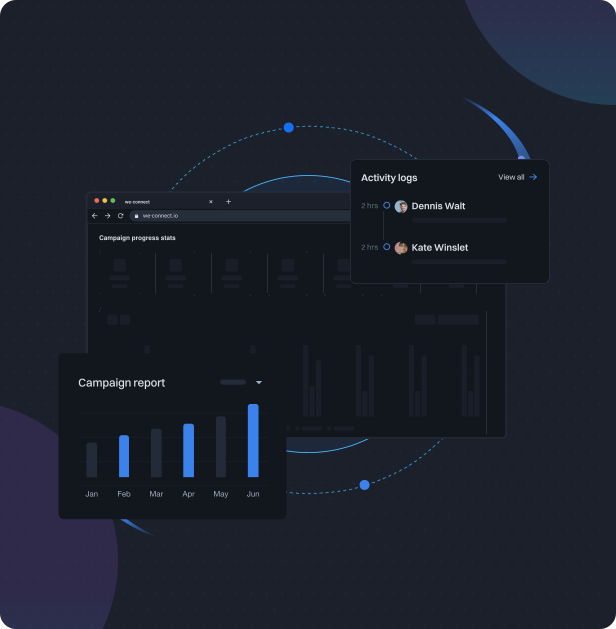
Track every campaign metric from a single dashboard.
The campaign overview gives you a real-time view of every contact moving through your workflow. See exactly how many contacts are queued, in progress, pending, accepted, replied, or completed at any point. The activity chart breaks down every action taken day by day across LinkedIn and email channels, including connections sent, messages delivered, InMail used, replies received, and more. Channel performance cards show reply rates and positive reply rates for both LinkedIn and email. Three engagement donut charts summarise total outreach, acceptance rate, and response rate across the full campaign so you always know what is working and where to optimise.
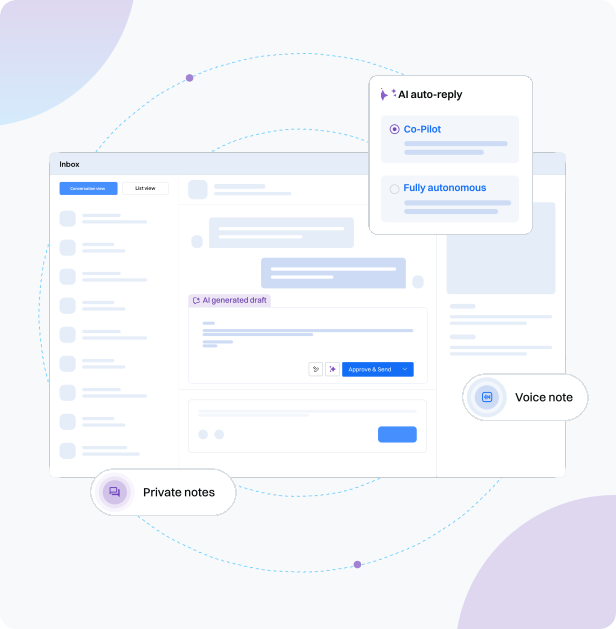
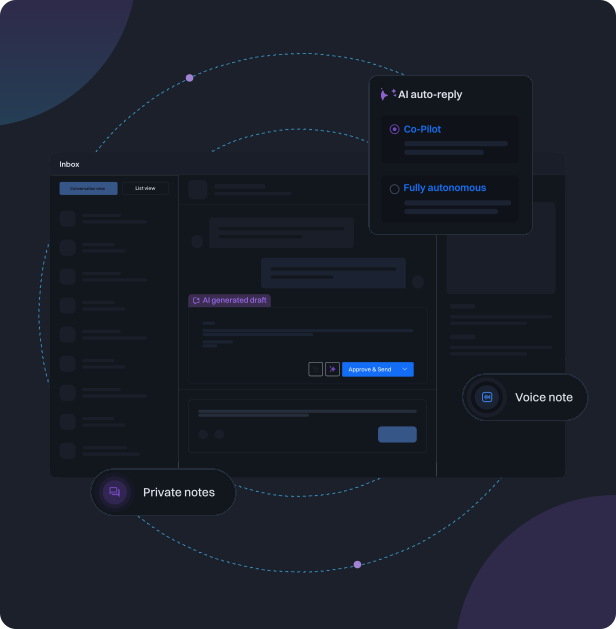
Manage every conversation without leaving your campaign.
The Lead Engine inbox keeps all your campaign conversations in one place. Switch between list view and conversation view depending on how you want to work. List view gives you a full table of every contact in the campaign with their status, tags, and activity. Click any contact to open their full profile including LinkedIn data, message history, email threads, and internal notes. Conversation view puts your active threads front and centre with a message composer that supports text, voice notes, attachments, and AI assisted replies. Choose how AI handles incoming messages. Review AI drafted replies before sending in co-pilot mode, or let AI send and follow up autonomously. Switch modes at any time without pausing your campaign.
What you get with the LinkedIn Lead Engine.
The LinkedIn Lead Engine is available now in beta. Sign up for a free trial to get early access and start building straight away.

Visual campaign workflow builder
15 LinkedIn channel action nodes
Conditions and branching logic
AI profile scoring agent
AI sentiment analysis agent
LinkedIn and email sequences in one workflow
Co-pilot and autonomous AI auto-reply
CRM, webhook, and Slack integrations
Real-time campaign stats and activity tracking
Unified inbox with contact profiles and conversation view
Explore more features

LinkedIn Watchlist
Monitor LinkedIn intent signals in real time. Capture everyone engaging with your posts, visiting your profile, or interacting with competitors, and add them to your pipeline automatically.
Learn more


AI Agents
AI agent nodes score every lead from 0 to 100, read sentiment from post engagement, and route contacts into the right path automatically, no manual triage required.
Learn more

AI Assist
Let AI write your connection requests and follow-up messages, personalized from each contact's LinkedIn profile. Better messages, higher reply rates.
Learn more

Email Workflows
Combine LinkedIn automation with email sequences in one workflow. A/B test messaging, track opens and clicks, and reach prospects on the channel they respond to.
Learn more

Email Enrichment
Find verified business emails for LinkedIn-sourced contacts and fill in company and profile details automatically, so every list is ready for outreach.
Learn more

Post Remix
Schedule LinkedIn posts, remix trending content into your own voice, and stay visible to prospects between campaigns.
Learn more
Frequently asked questions



Start building smarter LinkedIn outreach today.
The LinkedIn Lead Engine is available now in beta. Sign up for a free trial and get early access to the most advanced LinkedIn workflow builder on the market.

Product
Partner Solutions
Resources
© 2026 We-Connect. All Rights Reserved.
We-Connect is not affiliated with LinkedIn. All LinkedIn trademarks and logos belong to LinkedIn.