Email Enrichment is here. Find verified emails for your LinkedIn contacts, charged only when we find one.
Learn more →











Build LinkedIn automation into your product
The We-Link API lets you run connection requests, messaging, and search from your own code, or from Claude, ChatGPT, and Cursor with the live MCP server.
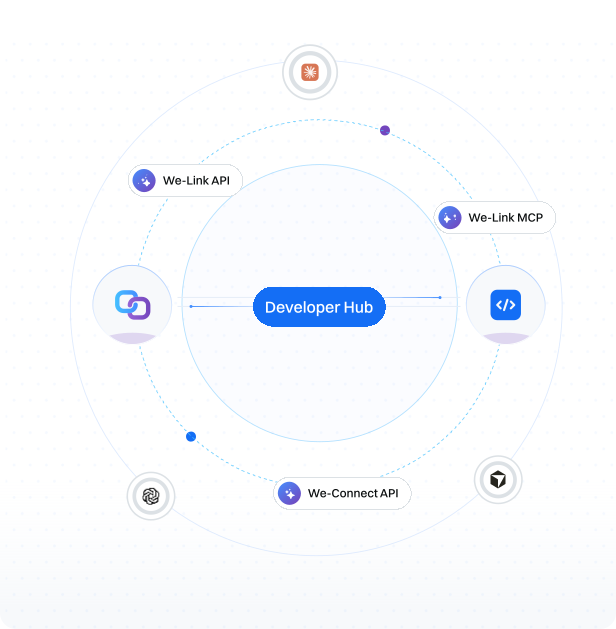
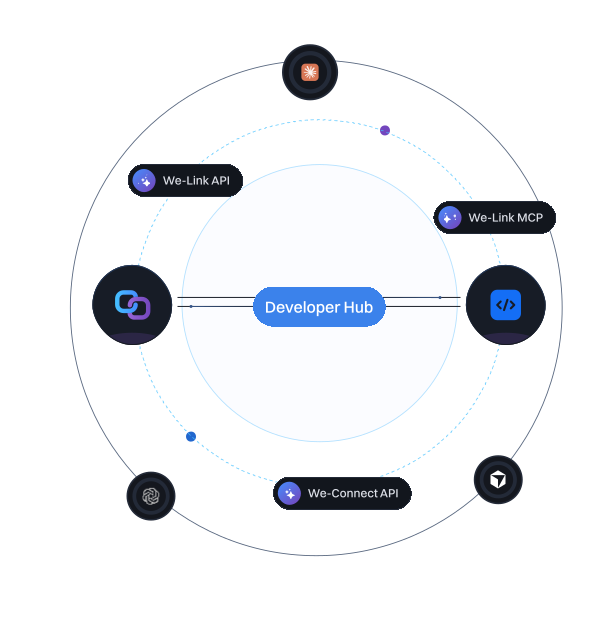
Tell your assistant what you want on LinkedIn
The We-Link API powers connection requests, messaging, and search. With the live MCP server, the same actions run from Claude, ChatGPT, or Cursor.
“Find 20 VPs of Sales at SaaS companies in Boston and send each a connection request with a short note.”
Three ways to build
Start with the full automation API, drive it from an AI assistant, or sync your campaign data.

We-Link API
Automation APIA full LinkedIn automation API to embed connection requests, messaging, and search into your own software.

Over 70 REST endpoints: connections, messaging, search, posts, and outreach
Asynchronous by design, results delivered to your webhooks
Dedicated proxies, human-like pacing, and automatic rate-limit handling

We-Link MCP
Live · BetaRun LinkedIn actions from Claude, ChatGPT, or Cursor in plain language.
Set up the MCP
Ask your assistant about your LinkedIn outreach
The We-Connect MCP connects Claude, ChatGPT, and more to your live campaigns, inbox, and account health. Read-only today, with campaign building on the way.
See what you can askWhich one do I use?
A few ways to build with us. Here is how to find yours.


Not sure where to start?
and we will point you.
Why build with us
Real coverage, real safety, and a team that answers.

Safety is built in
Dedicated geo-matched proxies, human-like pacing, and automatic rate-limit handling keep accounts protected, whether the call comes from your code or an assistant.

Code or conversation
REST when you want to write it in, MCP when you want to just ask. The same actions, two ways to reach them.

A direct line to the team
Real developer support and a say in what ships next. You are not a ticket in a queue.
Frequently asked questions




Product
Partner Solutions
Resources
© 2026 We-Connect. All Rights Reserved.
We-Connect is not affiliated with LinkedIn. All LinkedIn trademarks and logos belong to LinkedIn.