Email Enrichment is here. Find verified emails for your LinkedIn contacts, charged only when we find one.
Learn more →











Your LinkedIn outreach, inside the AI assistant you already use
We-Connect's native MCP server connects Claude, ChatGPT, or any MCP-compatible assistant to your outreach. Ask about campaigns, replies, and account health, and get answers from your live data.


HOW IT WORKS
Connected in a minute, answering in seconds
Add We-Connect to your assistant once. From then on, every conversation can reach your live outreach data.
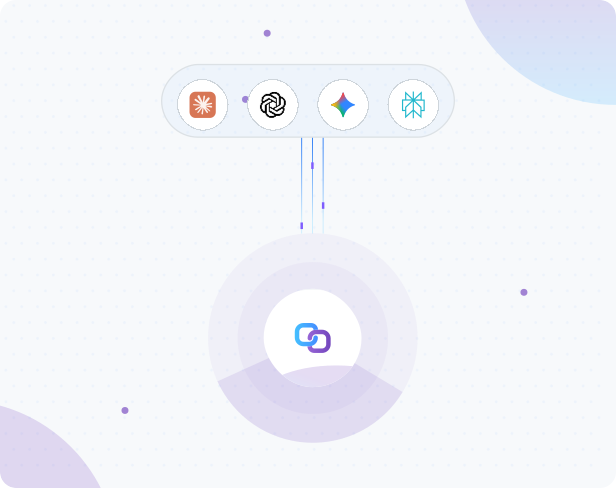
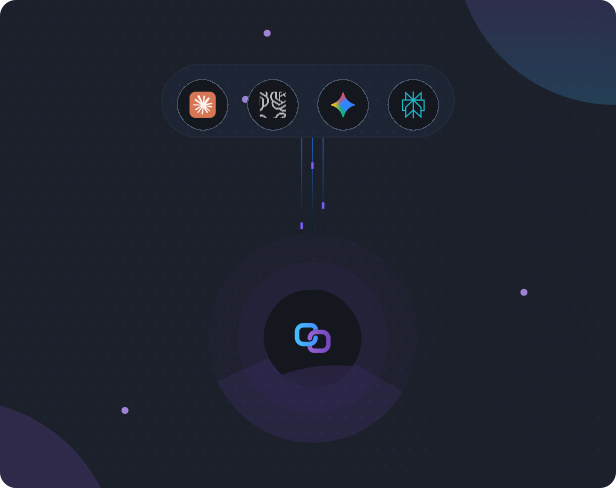
Add the server
Add the We-Connect MCP server in your assistant's connector settings. No code, nothing to host.
Sign in to We-Connect
Approve access once. It uses the workspace and LinkedIn accounts you already have.
Ask in plain language
“How did last week go?” “Is my account safe?” Ask the way you'd ask a teammate.
Get live answers
Your assistant reads current data and tells you which account and period it used.
Act in We-Connect
Each answer links to the right page, so you can open a thread, approve a draft, or adjust a campaign.
WHAT IT DOES
A clear view of your outreach, with nothing left to chance
Your assistant can see your whole workspace and report on it. It can't change anything or send anything.
What it reads

Campaign results and trends, across every account you manage
Inbox status: who's waiting, Copilot drafts, new replies
Your network, profile visitors, and Watchlist people
Restriction risk, daily limits, and pending invites
What it never touches
It doesn't send messages or connection requests
It doesn't change campaigns, audiences, or settings
It never returns message text or draft text
It never exposes contact emails or phone numbers
Try it
Get real answers about your outreach, instantly
Pick a question to see the kind of answer you get. The use-case page has the full list, grouped by job.
Browse all the questions you can askTry asking
Q4 Founders Outbound leads at 21.4%, then Event Follow-up at 17.9%. Your average is 14.1%, up 2.3 points on the previous 30 days.
Example answer with sample data
38 people accepted in the last 30 days without replying. 11 are VPs or Directors of Sales.
Example answer with sample data
Risk is low. You're averaging 62 invites a day against a safe limit of 100, with 148 pending invites older than 3 weeks.
Example answer with sample data
46 people this week, mostly Founders and VPs of Sales. 12 commented and 34 reacted.
Example answer with sample data
Next: build campaigns from a sentence
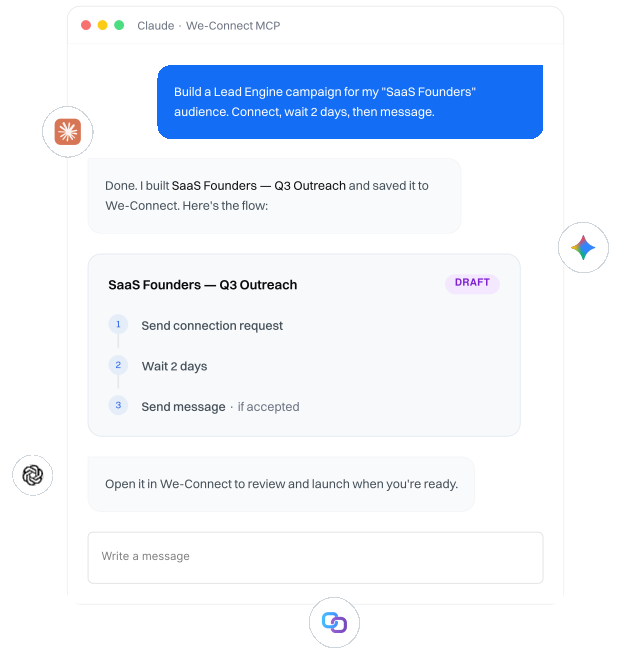
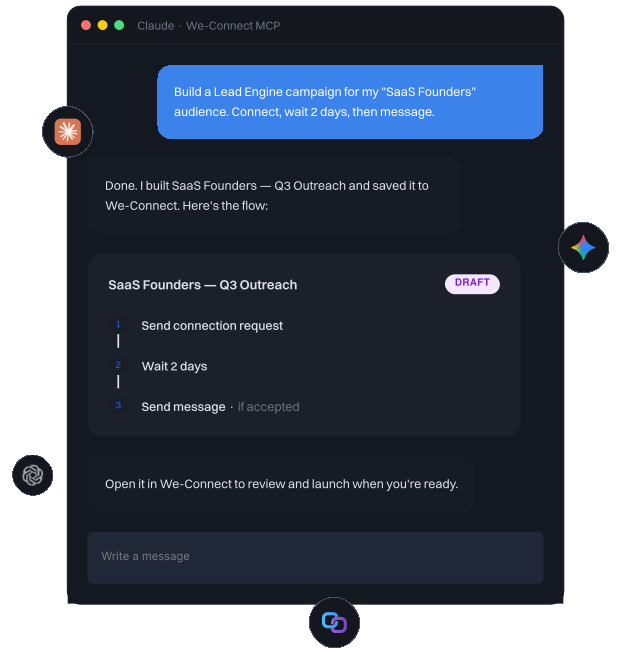
Describe the outreach you want, and the MCP assembles a Lead Engine campaign in your We-Connect account, ready for you to review and launch.
Create a Lead Engine campaign from your assistant
Add one of your saved audiences
Build the flow with LinkedIn actions, waits, and conditions
Save it to We-Connect to review and launch
After that
Launch, pause, and resume campaigns
Add contacts to campaigns already running
Reach across LinkedIn and email in one sequence

Your account safety is never in the AI's hands
Safety is enforced by We-Connect, not by the assistant. Pacing and daily limits live in We-Connect's execution layer, so no request can push past them.
Today
The connection only reads. It can't change your campaigns, settings, or LinkedIn activity.
When building ships
Campaigns your assistant builds save as drafts. Nothing runs until you launch it, and it runs within your limits.
BRING YOUR OWN ASSISTANT
Works with the AI you already use
MCP is an open standard, so the same connection works across assistants that support it. Connect the one you already use.


Frequently asked questions



Ask your outreach anything, from the chat you already use
Connect your assistant to We-Connect and get your first answer in under a minute.

Product
Partner Solutions
Resources
© 2026 We-Connect. All Rights Reserved.
We-Connect is not affiliated with LinkedIn. All LinkedIn trademarks and logos belong to LinkedIn.