Email Enrichment is here. Find verified emails for your LinkedIn contacts, charged only when we find one.
Learn more →











Find Verified Emails And Enrich Every LinkedIn Contact
We-Connect finds verified business emails for your LinkedIn-sourced contacts and completes each record with company and profile details. Waterfall enrichment checks multiple premium data sources, and you are only charged when a verified email is found.
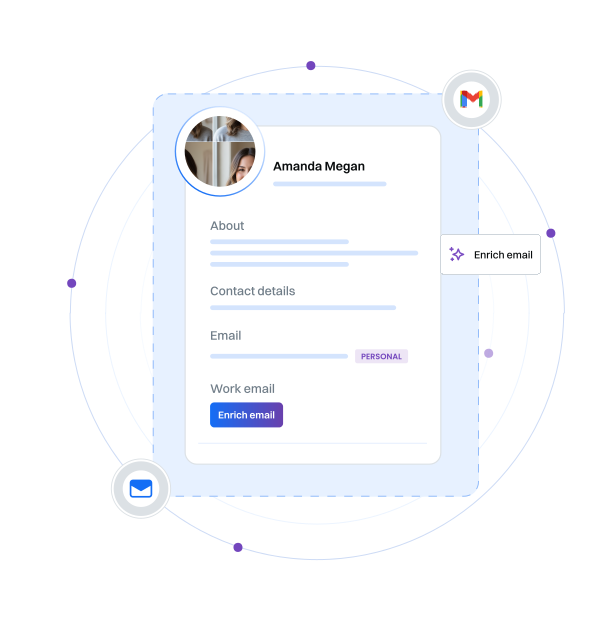
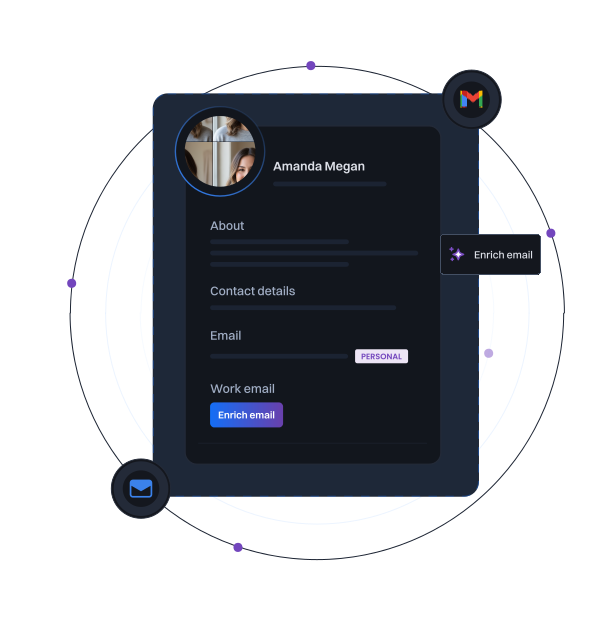
LinkedIn-sourced contacts almost always arrive without an email,
which blocks every email step in your outreach.
Email enrichment fills that gap. It finds a verified business email for each contact and appends the wider contact record, so a LinkedIn list becomes ready for LinkedIn and email outreach in one pass.
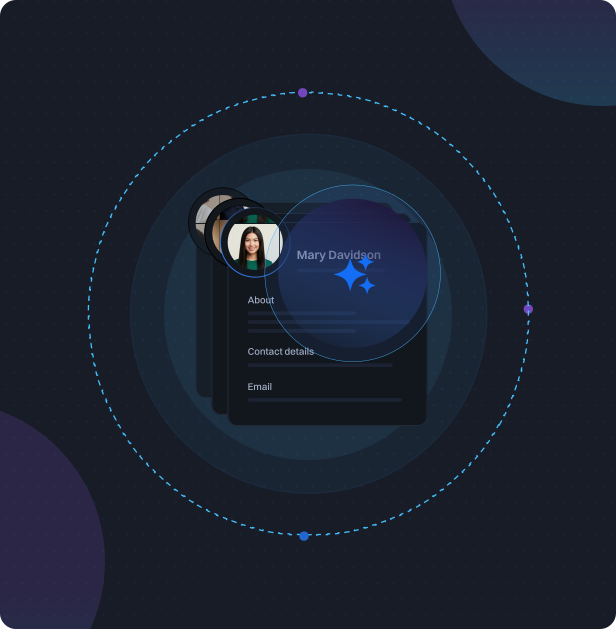
How We-Connect finds and verifies emails
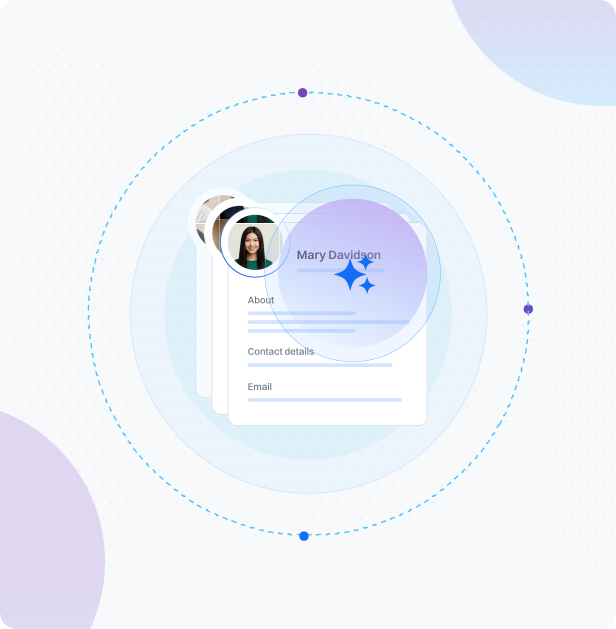
Enrichment runs when you import a LinkedIn list, save a Watchlist, or add an enrichment step to a Lead Engine campaign. Here is what it does behind the scenes.

Reads each LinkedIn contact’s name, title, and company as the starting point
Searches multiple premium data sources in a waterfall, one after another
Moves to the next source when one has no verified email
Verifies every email before it is added to the contact
Charges only when a verified email is found, never for a miss
More than an email address
Every enriched contact comes back as a complete record, not just an email. We-Connect appends identity and company details so each contact is ready for personalized outreach from the first message.
Verified business email, the field you are charged for when found
Name, title, headline, and seniority
LinkedIn profile URL and location
Company name, domain, industry, and headcount
Intent signals from Watchlist, on the Scale plan
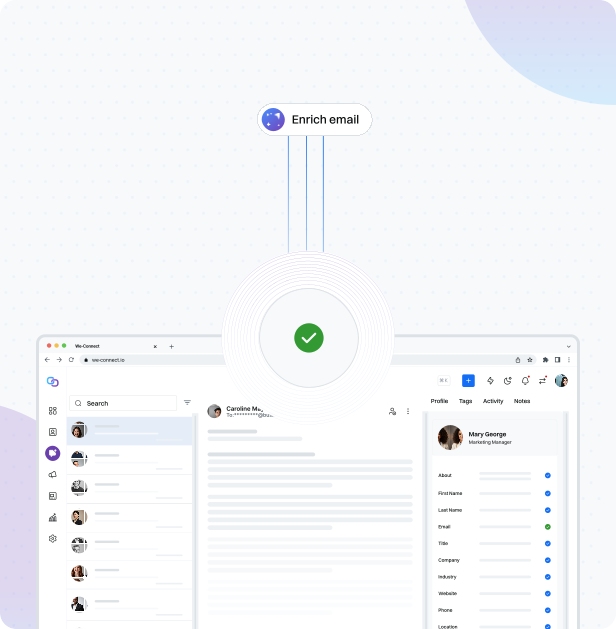
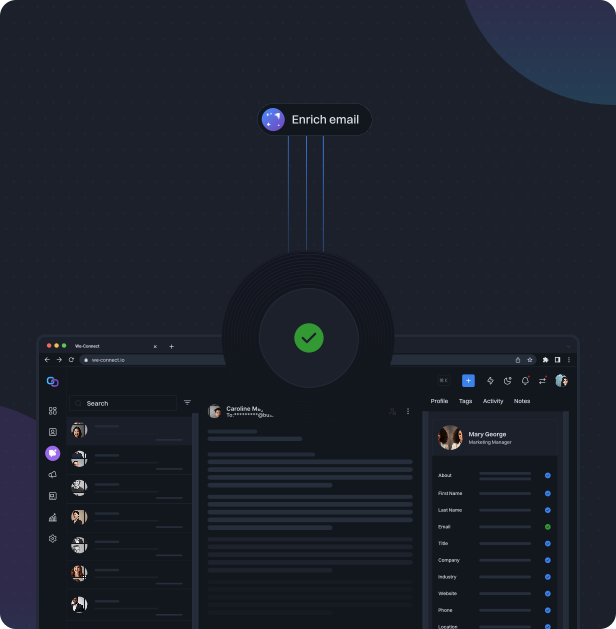
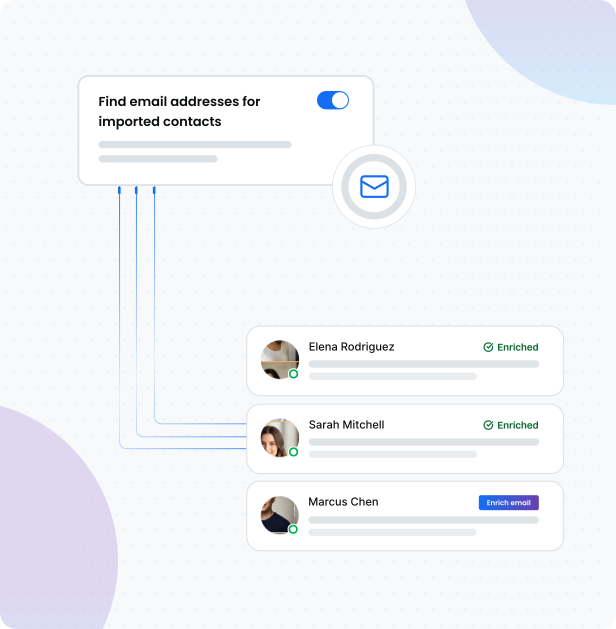
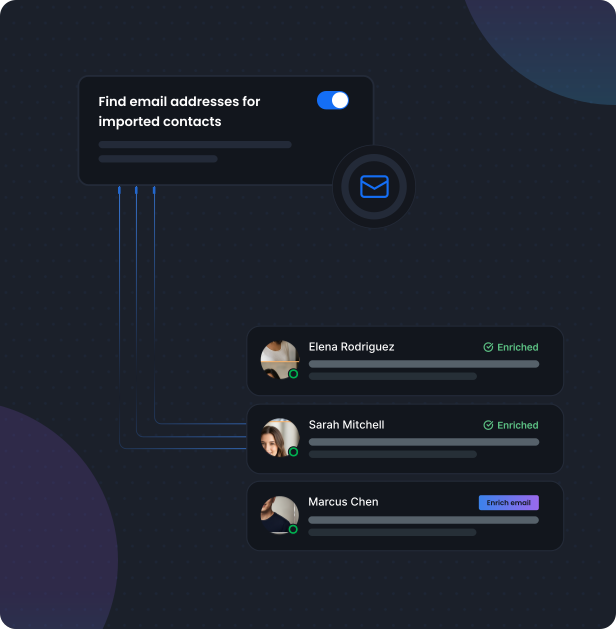
Turn on enrichment wherever contacts enter We-Connect
Enrichment is always your choice. Switch it on at the point contacts come in, and you are only charged when a verified email is found.
On import, choose to enrich when you bring in a LinkedIn search, group, event, post, or profile list
In Watchlist, opt to enrich new contacts as an agent captures them, on the Scale plan
In the Lead Engine, add an enrichment step where you want it in a campaign
Pay only for the emails we find
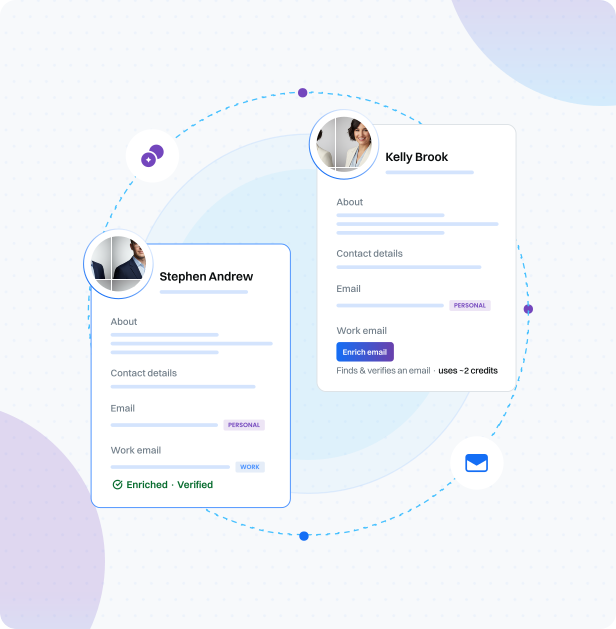
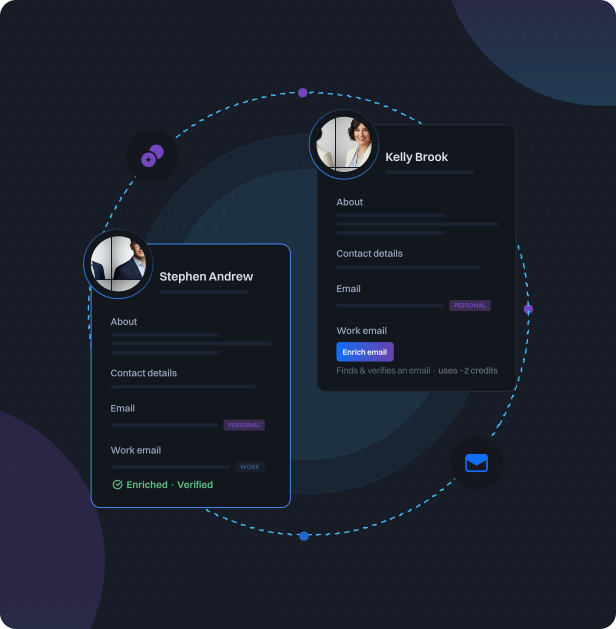
Enrichment is credit-based. You are charged only when a verified email is found, so a contact you cannot complete costs you nothing. Every paid plan starts with free credits, and you can top up any time.
Free credits to start: 100 per seat on paid plans, 50 on the free trial, shared across your account
Charged only when a verified email is found
Pay-as-you-go top-ups, with credits that never expire while your subscription is active
Frequently asked questions
Everything you need to know about email enrichment in We-Connect.
Explore more features

LinkedIn Watchlist
Monitor LinkedIn intent signals in real time. Capture everyone engaging with your posts, visiting your profile, or interacting with competitors, and add them to your pipeline automatically.
Learn more


LinkedIn Lead Engine
Design outbound workflows that react to what LinkedIn leads do. Branch, score, and route contacts automatically based on their behavior and intent.
Learn more

AI Agents
AI agent nodes score every lead from 0 to 100, read sentiment from post engagement, and route contacts into the right path automatically, no manual triage required.
Learn more

AI Assist
Let AI write your connection requests and follow-up messages, personalized from each contact's LinkedIn profile. Better messages, higher reply rates.
Learn more

Email Workflows
Combine LinkedIn automation with email sequences in one workflow. A/B test messaging, track opens and clicks, and reach prospects on the channel they respond to.
Learn more

Post Remix
Schedule LinkedIn posts, remix trending content into your own voice, and stay visible to prospects between campaigns.
Learn more



It's easy to get started
Start running LinkedIn outreach for your clients today. Free trial, no credit card required.

Product
Partner Solutions
Resources
© 2026 We-Connect. All Rights Reserved.
We-Connect is not affiliated with LinkedIn. All LinkedIn trademarks and logos belong to LinkedIn.